
Build your own childcare website
Point, click, and publish — no code, no developer, no design skills required.
Put a tour-request form, an inquiry form, or your full enrollment paperwork onto any page of your website. Private, secure, and goes straight to your family tracker.
Point, click, and publish — no code, no developer, no design skills required.
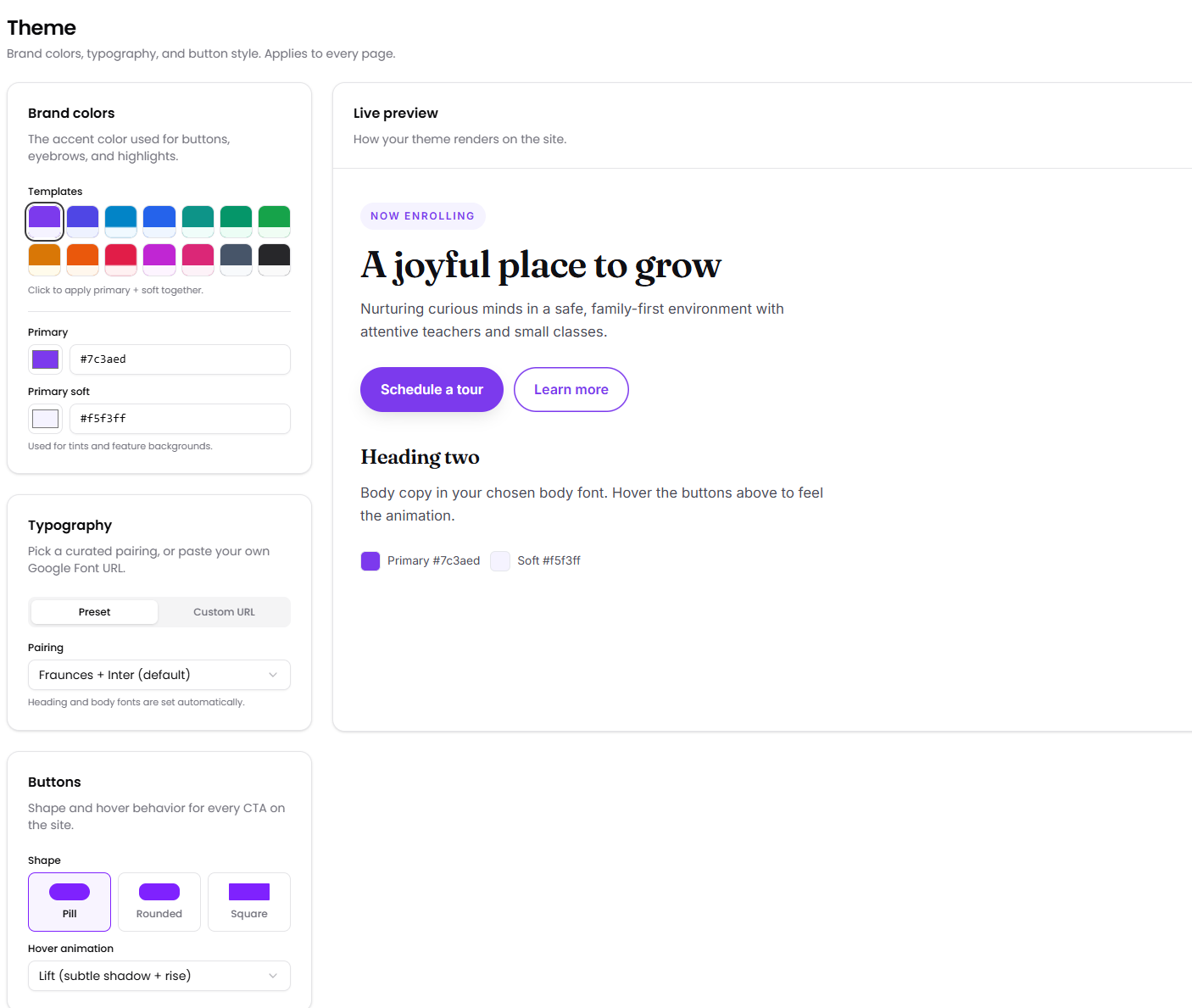
Use any of our templates, or bring your own styles
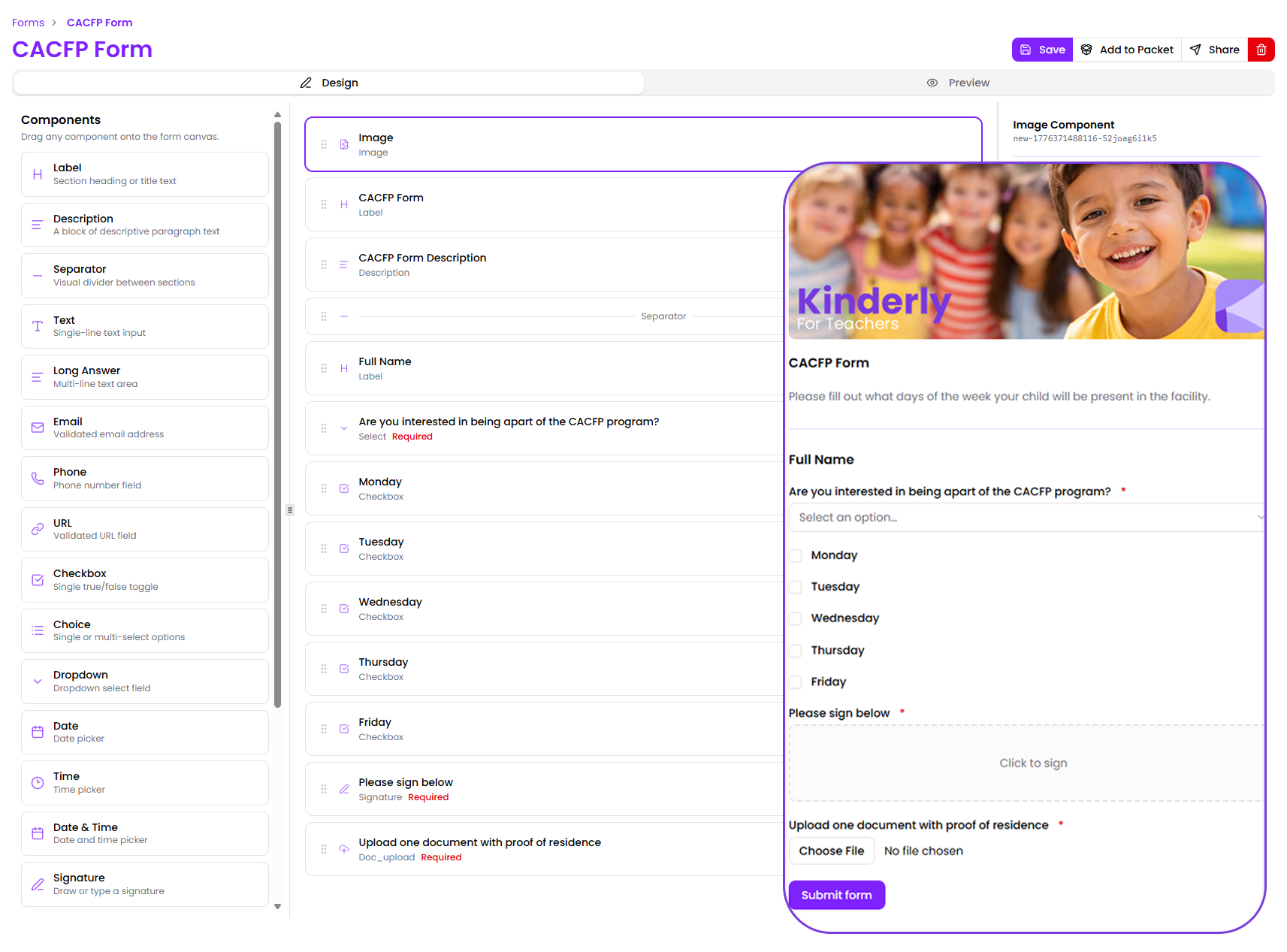
Put a tour-request form or your full enrollment paperwork on any page of your website.
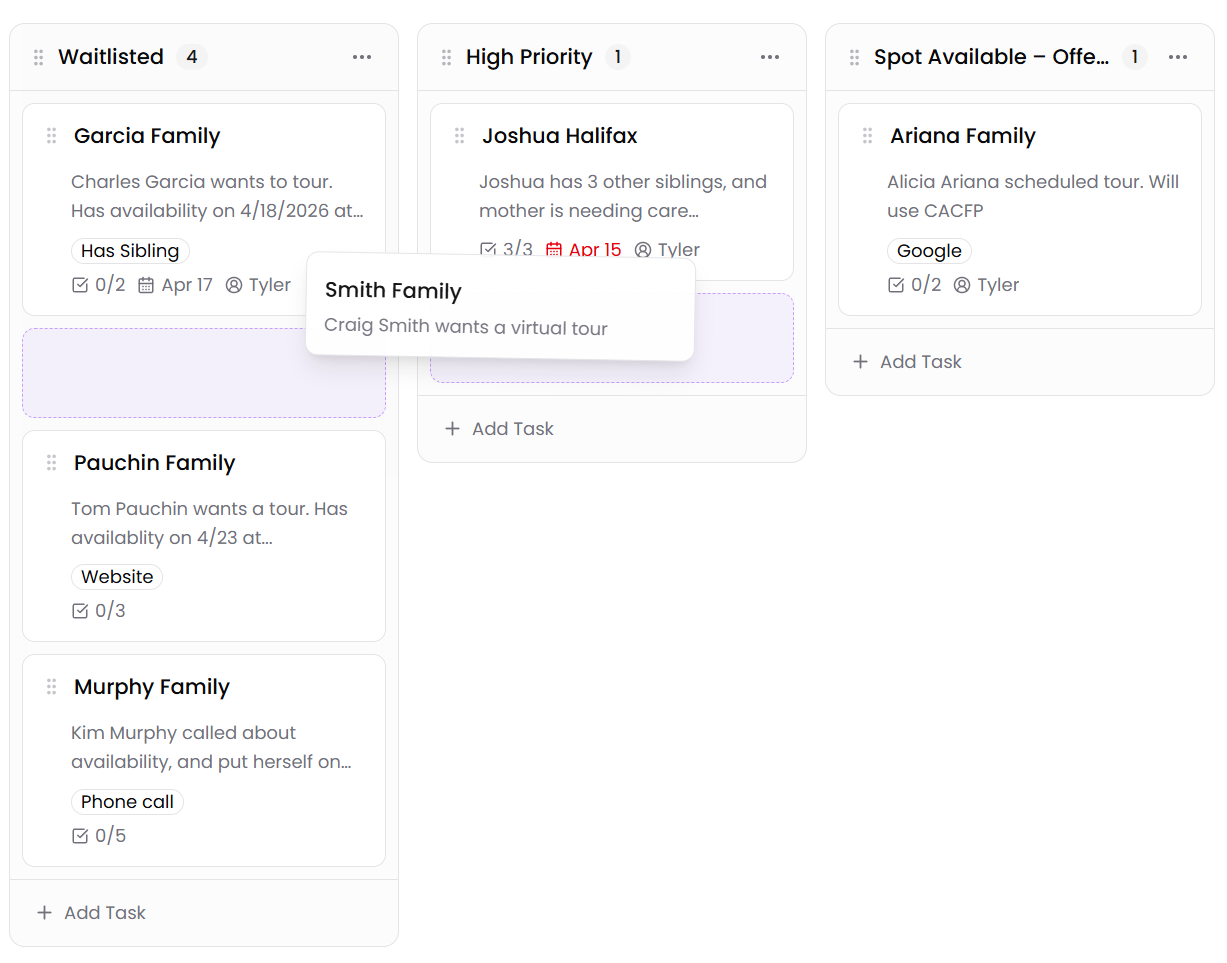
Move families from "Lead" to "Enrolled" with a click — and see your whole enrollment at a glance.
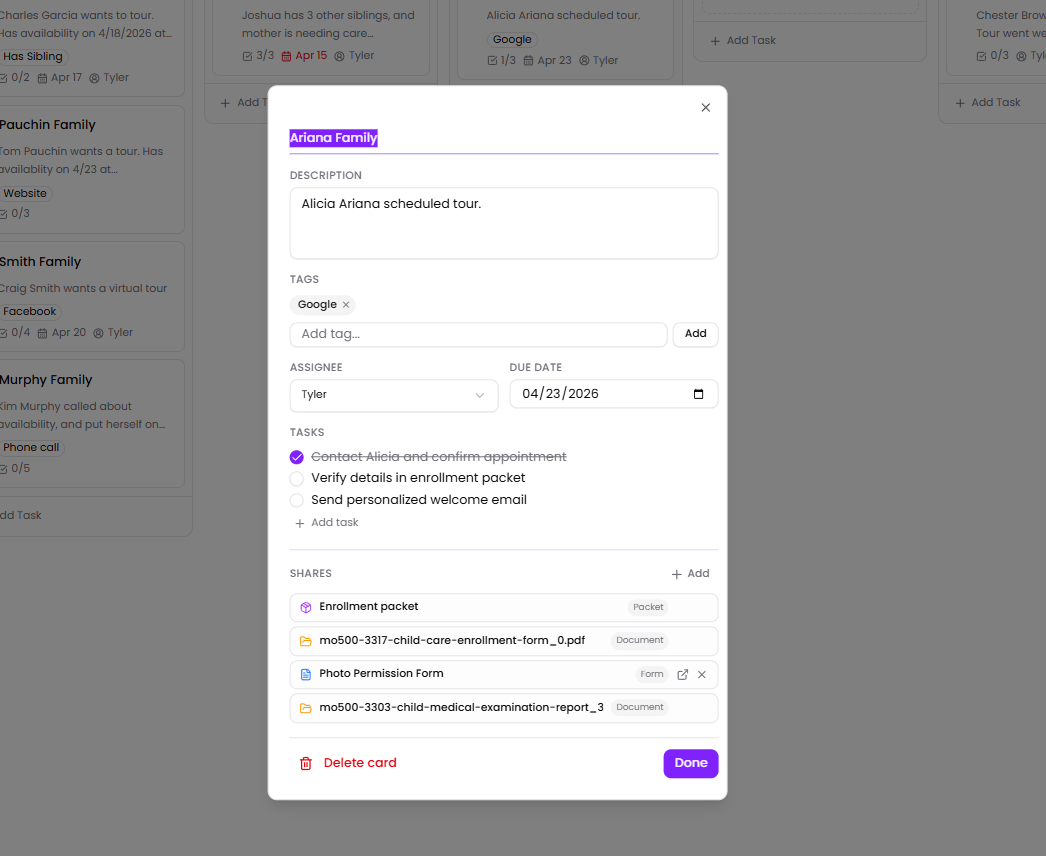
Notes, your to-do list, labels, and every form they've filled out — all together on one card.
Not at all. You just point, click, and type — the same way you'd use a Google Doc. Pick a look you love, add your welcome banner, programs, photos, parent reviews, and a "Schedule a Tour" button, and hit publish. Most centers have their website up in an afternoon.
Yes. Every site gets a free Kinderly web address out of the box, and you can use your own (like www.sunnydaycenter.com) too — we'll walk you through it.
Yes. Drop a tour-request form, an inquiry form, or your full enrollment paperwork onto any page. Every family who fills one out is private and secure, and shows up on your tracker automatically — no copy-and-paste, no lost emails.
Yes. Paid plans let you run a board for each program, location, or school year. Each board has its own columns and families, and you can start a new one from a ready-made template.
Yes. Send a family their enrollment paperwork right from their card. As they fill it out, you can see exactly where they are and what's left — all from the same place.
Yes. Every page you build is set up to show in Google search results from day one — and to look great when families share it on Facebook. There's also a simple visitor report that tells you how many families visited your site, which pages they read, and what they clicked on.
Yes. You can add a virtual tour — a photo tour, a 360° view, or a walk-through video — to any page, so families can have a look around your center before they ever visit.
Start free or book a demo — no credit card required.